Resume on another computer.
Pair only the Markdown folder or Obsidian workspace you choose. The durable Project survives provider-session expiration and can be resumed from a fresh authorized client elsewhere.
Public Community alpha · owner-controlled · source-independent
When a session ends, MDevolved keeps the objective, evidence, useful failures, preferences, skills, and next action ready for whichever authorized agent works next—even on another computer.
Community is a technical alpha you deploy into your own Cloudflare account. Managed hosting remains invitation-only.
The project—not the session—is durable
Stop rebuilding context whenever a chat expires or a different tool takes over. MDevolved keeps the useful Project state compact, cited, portable, and ready to resume.
Pair only the Markdown folder or Obsidian workspace you choose. The durable Project survives provider-session expiration and can be resumed from a fresh authorized client elsewhere.
Continue prior work with focused context, isolate an independent reviewer from peer conclusions, or synthesize separately attributable results—without dumping the whole history.
Preserve useful failures, working preferences, and portable inert skills. Repeated evidence can propose memory, but it is never silently promoted into truth.
Encrypted snapshots restore durable work—not grants, sessions, actors, credentials, leases, or live authority. Inspect and verify every recovery point before it becomes active.
The ordinary loop stays ordinary
MDevolved automates the routine coordination around agentic work. The harness still owns execution; MDevolved keeps the durable Project state and evidence ready for whoever works next.
Receive the objective, accepted decisions, and next action.
Retrieve only the targeted, cited evidence the work needs.
The agent uses its own tools, shell, sandbox, and worktree.
Leave the verified result, evidence, failure, and next move.
An independent agent can add a separately attributable view.
The next authorized agent starts with the durable Project tip.
Routine allowed work stays hands-off. Authority expansion, destructive requests, protected paths, exhausted budgets, and conflicting evidence return as explicit exceptions.
Use the agents you already like
Codex, Claude, Cursor, OpenCode, Gemini CLI, Copilot CLI, OpenClaw, Hermes, Eve, Orca, and compatible tools keep their own models, tools, schedules, worktrees, and retries. MDevolved sits underneath them as the durable continuity layer.
Eve runs the agent. MDevolved makes the work portable. The Source-verified Eve.dev integration uses standard remote MCP and user-scoped OAuth. Named compatibility is version-specific; protocol compatibility is not a claim that every client release has passed a live exercise.
Cross-agent continuity
Work in Codex today. Open Claude—or a fresh task on another computer—tomorrow. Say “MDevolved resume project.” The project continues without the old chat or a rebuilt prompt.
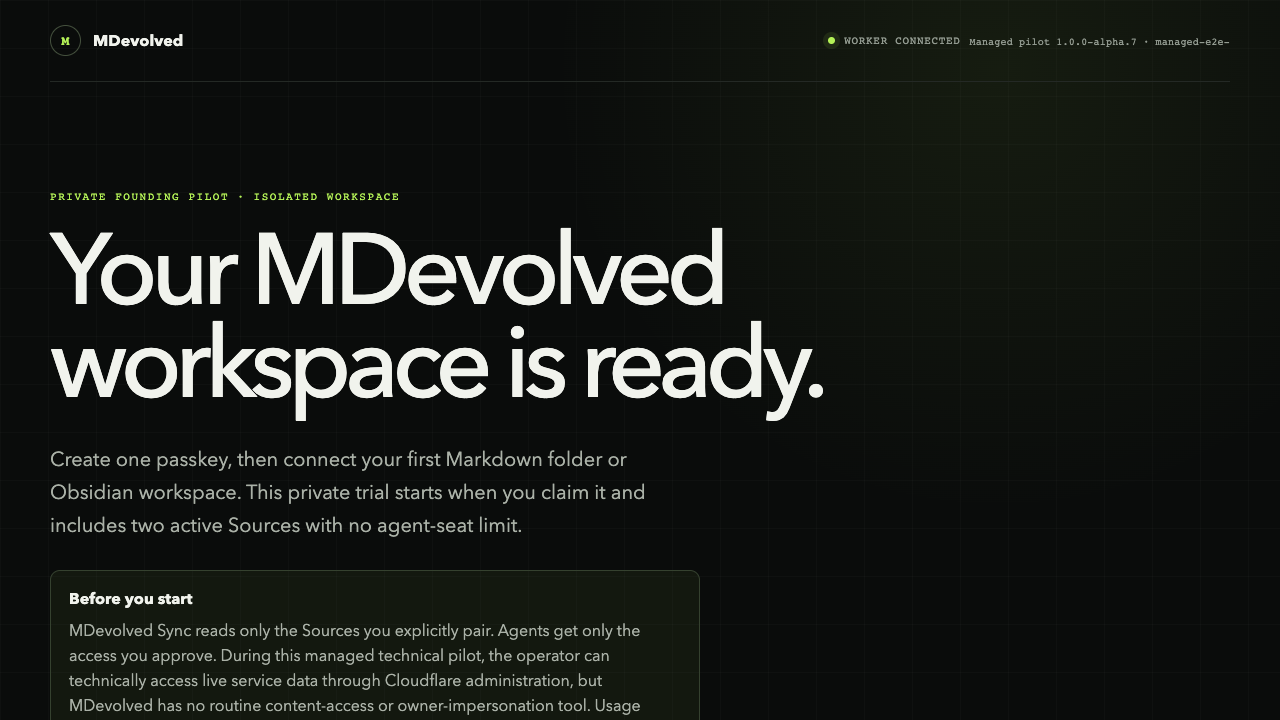
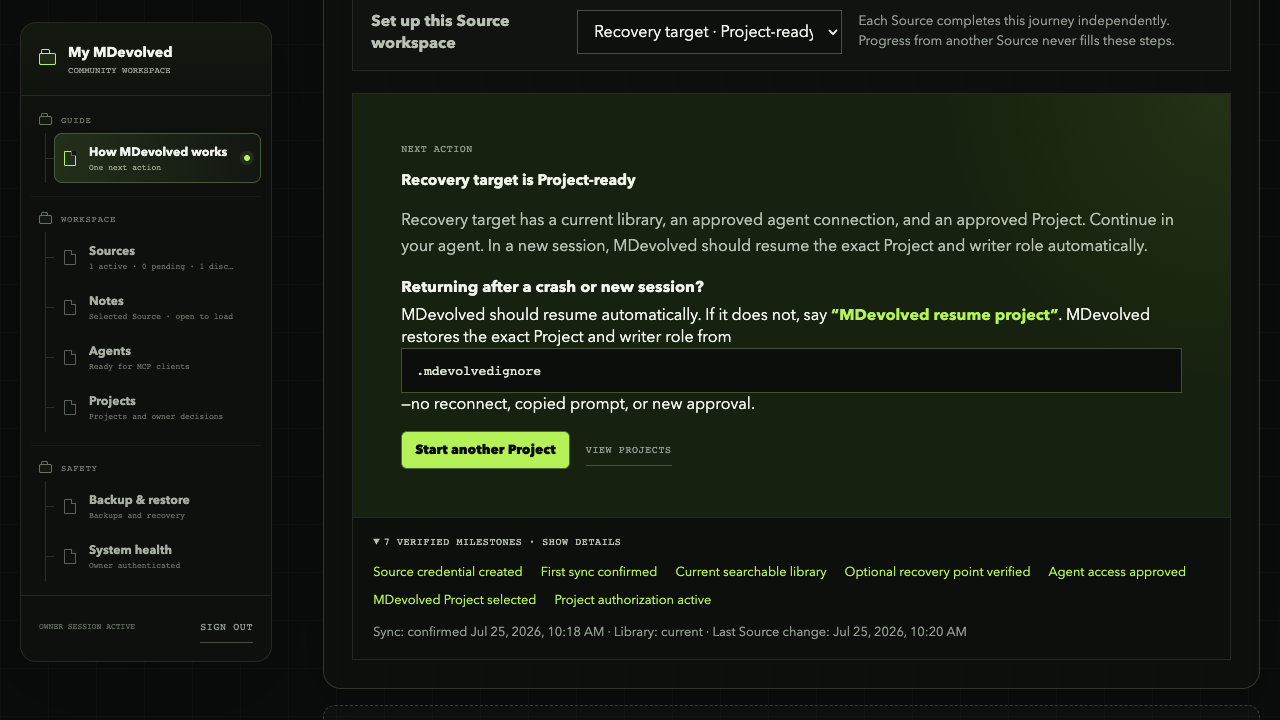
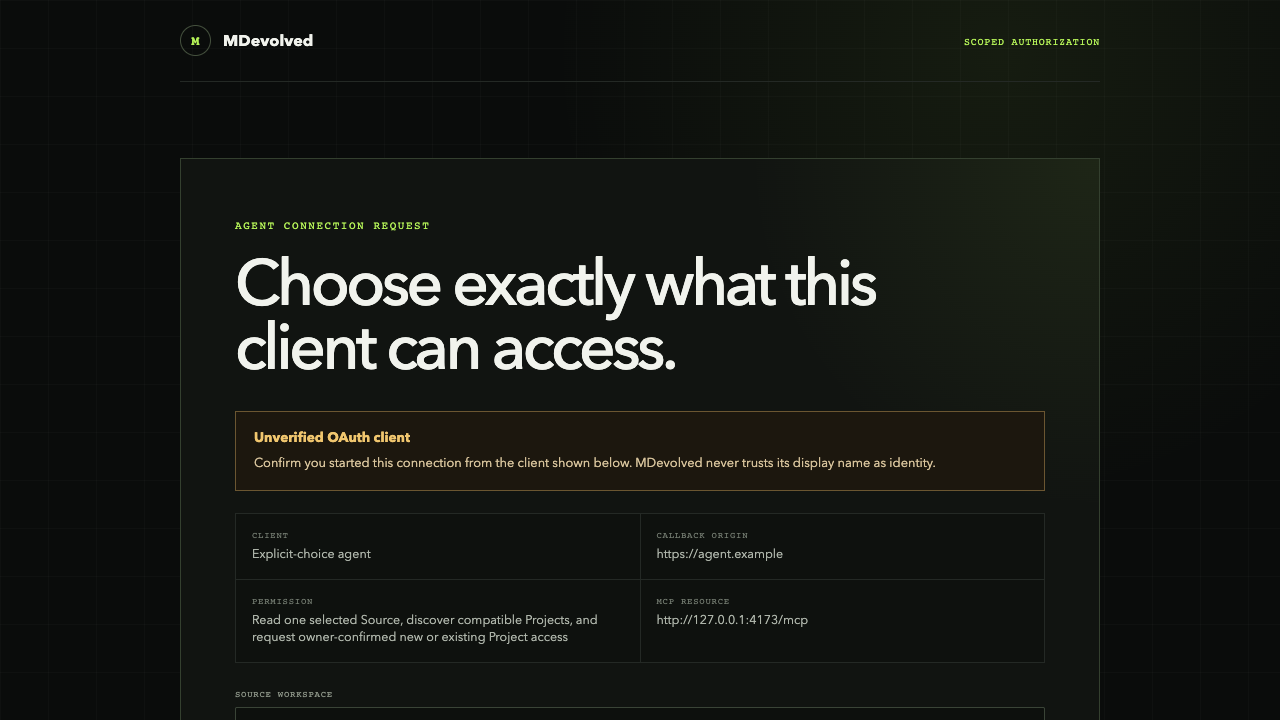
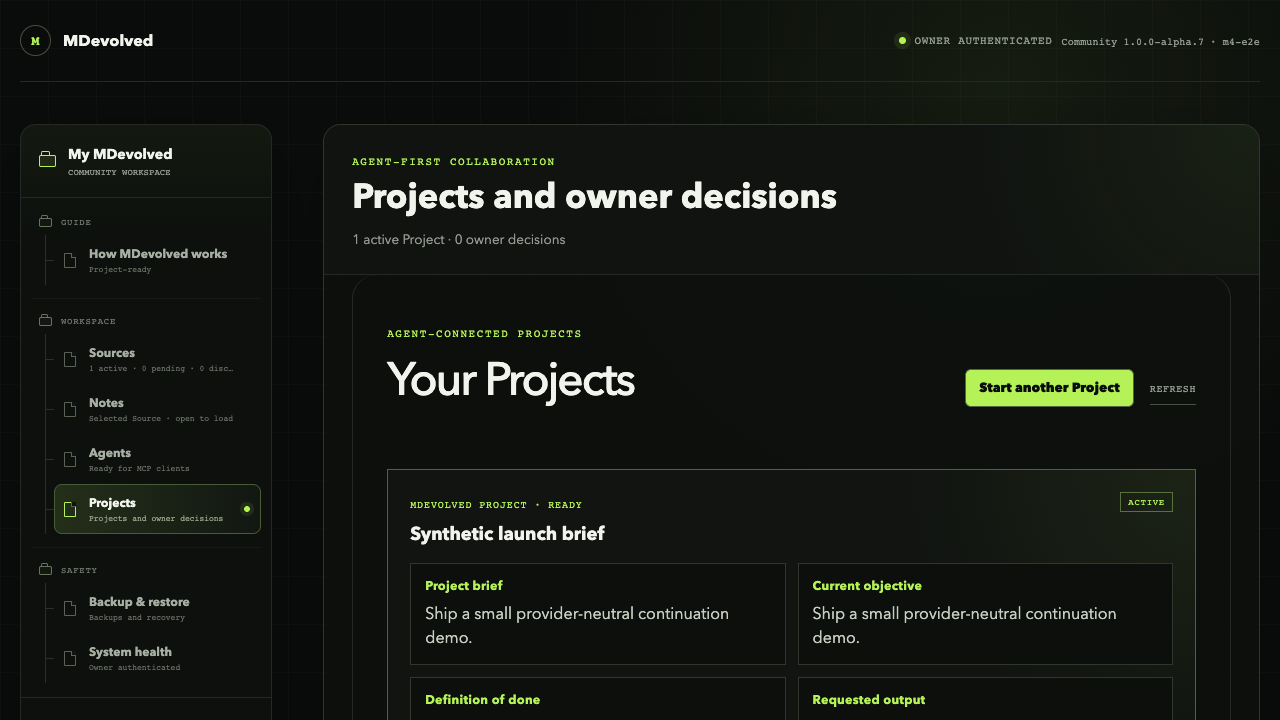
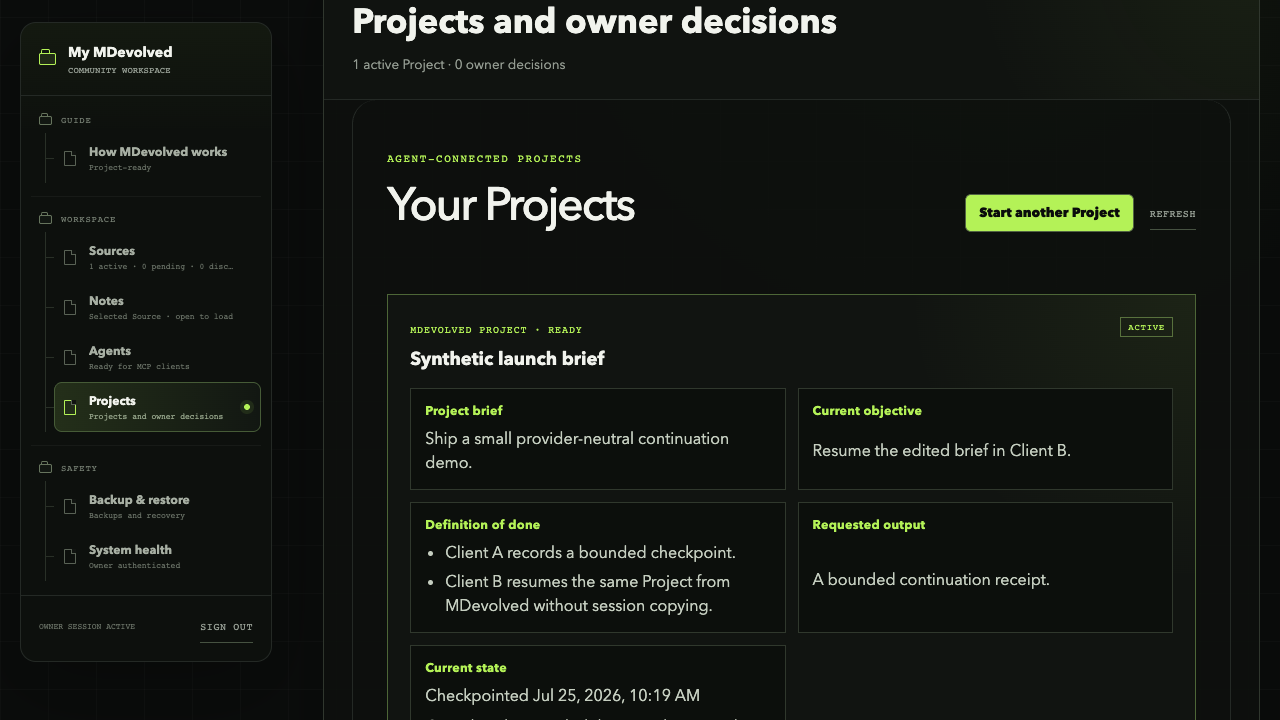
Every AI. One durable Project memory. These frames were captured from the real MDevolved app using synthetic browser-test data. Reduced-motion and no-script visitors see every captioned frame without autoplay.
This is durable Project continuity, not session replay. No replacement model subscription, bundled agent runtime, or required orchestration.
Memory that earns its place
Durable claims retain their sources and provenance. Agent output never becomes automatic truth.
Repeated preferences and successful methods can propose memory. Nothing silently changes a model or promotes itself.
A compatible harness may load an attached skill, but that skill cannot widen its own Source, folder, or tool authority.
Continue previous work, isolate an independent reviewer, or synthesize attributable results without sharing everything.
One setup · agent-first after that
Deploy Community, connect one Source, and authorize the agent you already use. MDevolved handles routine continuity from there.
Deploy Community into your Cloudflare account, or open the MDevolved workspace you were invited to.
Create the owner passkey. It remains the root approval for Sources, agents, recovery, and revocation.
Run npx mdevolved@latest sync . in the test
folder and approve only that Source.
Choose the agent and approve its exact Source and folder boundary. You can revoke it at any time.
In that agent, say “Connect this project to MDevolved.” Keep working normally; the agent checkpoints verified progress.
Open a fresh authorized session and say “MDevolved resume project.” Verify that the objective, evidence, useful failure, and next action return.
Open source · owner controlled
MDevolved Community is the core repository. MDevolved Sync for
Obsidian retains the legacy owd-sync compatibility
identity. Both use Apache-2.0 licensing and preserve the owner’s
ability to inspect, deploy, export, recover, and leave.
The complete Apache-2.0 web application, Cloudflare data plane, and durable Project layer you deploy into your own account.
The optional Apache-2.0 Obsidian adapter. The canonical
checksummed mdevolved-sync prerelease is public but
not yet listed in Community Plugins. Existing users can continue
with the owd-sync compatibility adapter.
Managed alpha · limited access
Already use one AI coding agent—or orchestrate many? Tell us which real Project you want to carry across sessions, tools, or computers. If it fits the managed alpha, we will reply directly.